Automating high-volume, complex review workflows
From Planto Permit
Empowering engineers, review consultants, developers and agencies by streamlining plan review.
New: WorkflowsSee What's New Request Access
Automating high-volume, complex review workflows
Empowering engineers, review consultants, developers and agencies by streamlining plan review.
New: WorkflowsSee What's NewExisting conditions
Review means moving between them by hand, sheet by sheet. Projects wait on both.
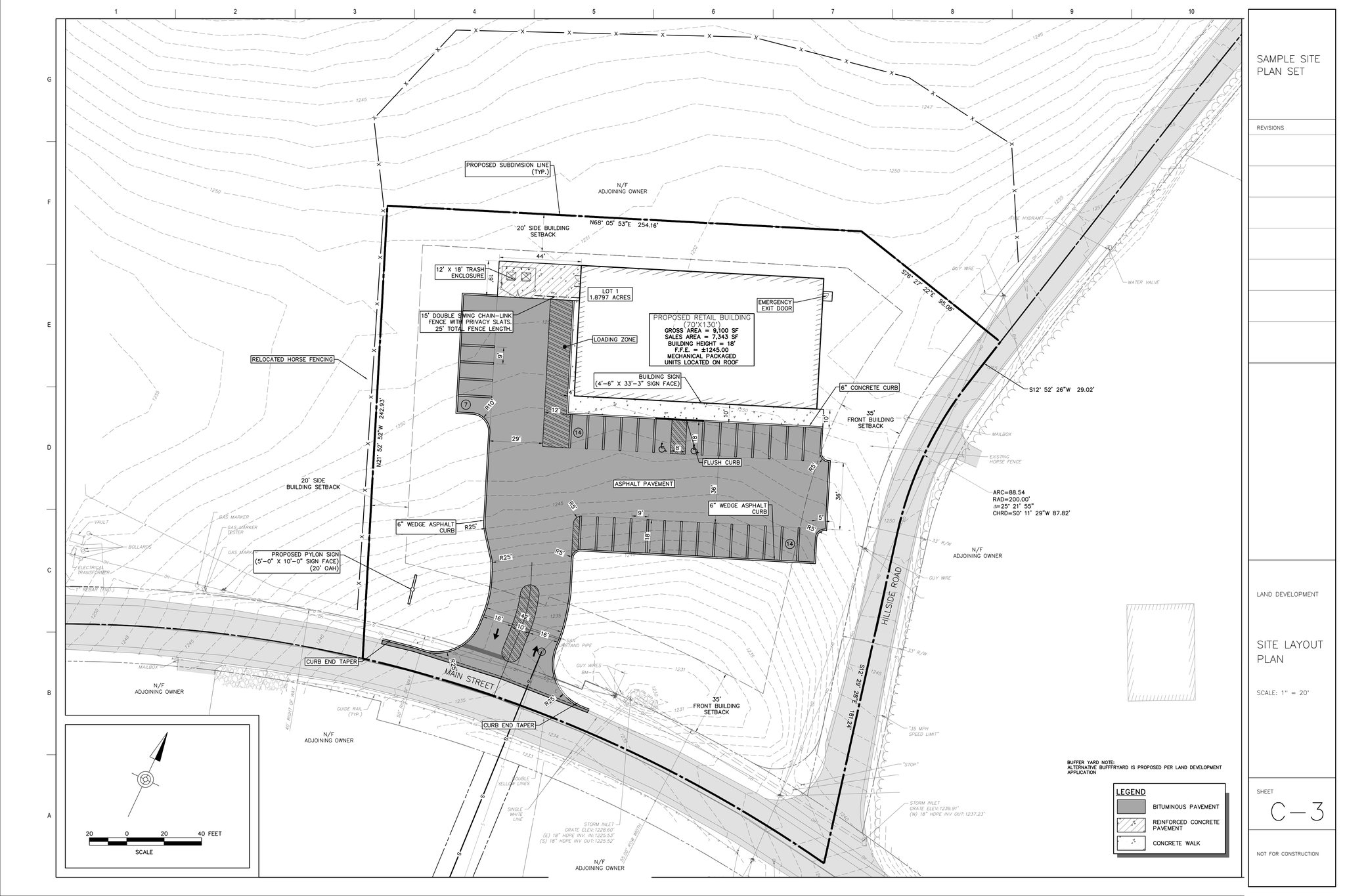
Every sheet in the set, against every section of the code.
It finds each requirement that sets a number and measures the plan against it.
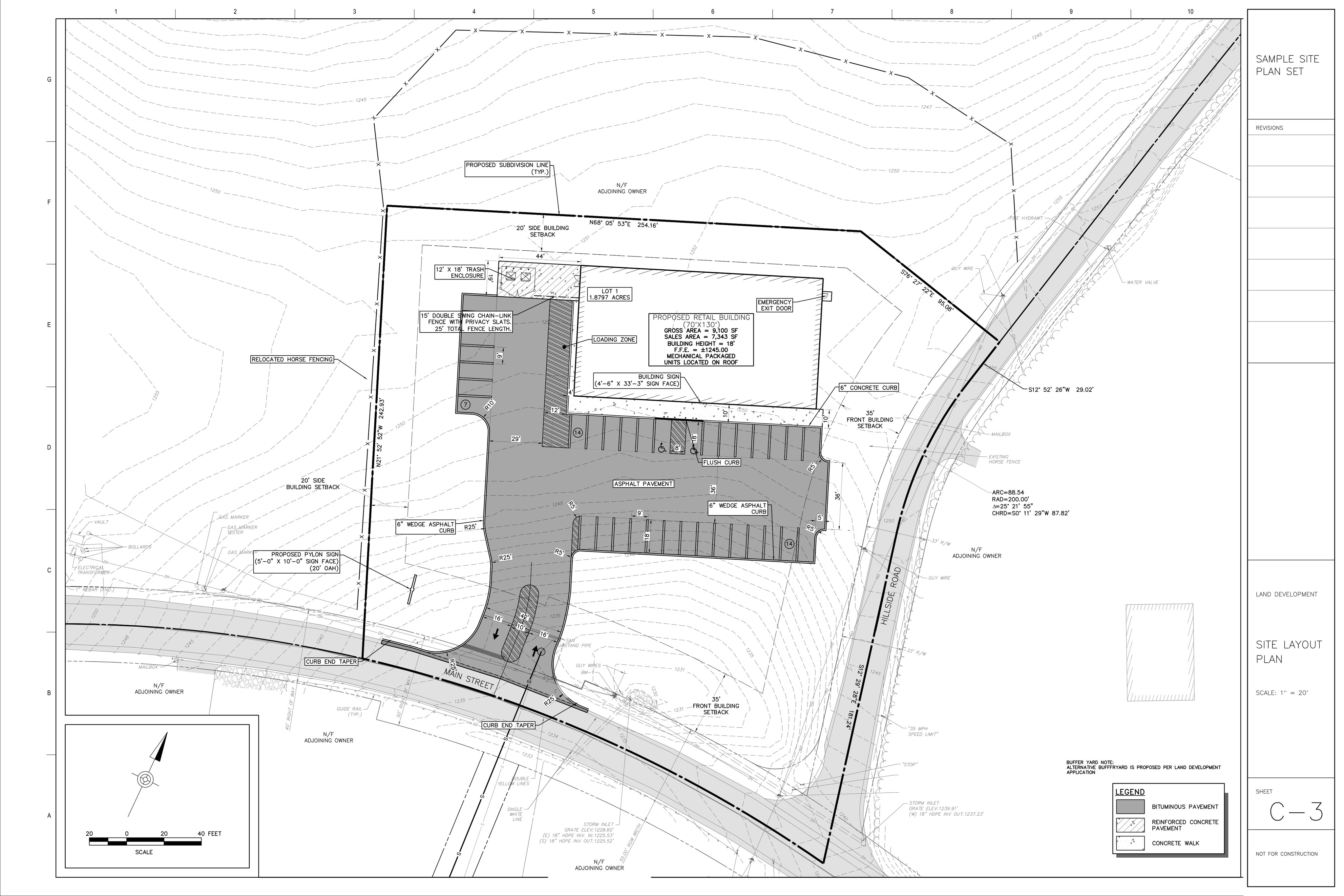 26.4 ft
Follow along as it reads each code section and measures the plan, or let it run and check back when it's done.
Run any ordinance, design standard or requirement you define as a workflow. If something is wrong, it shows you where.
Questions only a person can answer come to you, with help resolving them on the facts.
Needs you Was the alternative bufferyard approved?Every comment grouped by topic and tracked from first submittal to final approval.
Z.4
SG.1
SM.1
LS.2It re-checks every open comment against the revised sheets and shows you which ones are resolved.
Z.4 Resolved
SG.1 Resolved
SM.1 Open
LS.2 OpenWhat's inside
Ask any question in plain language. Get the requirement, the measurement and the source.
One click runs a full review, whether zoning, stormwater, DOT or your own design standards. Build your own by describing it in plain words.
When something is genuinely uncertain, it flags it for you and helps you research the answer. It never assumes for you.
Track every comment from first submittal to final approval, grouped by topic.
Draft comment letters from the issues still open across submittals.
See what changed in each revision and whether it resolved your open comments.
Hand work to your project agent in plain language. It runs workflows, answers questions and guides you through the project when you want it to.
Your regulations and standards, version-controlled and ready to review any project against.
Automate high-volume, complex review workflows. For review consultants, local and county governments and state agencies, including DOT and DEP reviews. It reads every section, including the cross-references buried three layers deep, so the easy-to-miss comment gets caught.
Request AccessReview the plans against every requirement before you submit. More complete submittals, shorter reviews.
Request AccessShow your work
The required value, the measured value and how the number was established.
The section, its language quoted and the page, so you can open the source.
When the code is missing or the plans don't show enough, it says so instead of guessing.
Every finding is a draft. Nothing goes in the letter until you put it there.
Pricing
Every plan includes every feature. Start with one and move up as you review more.
Start With a 14-Day Trial
Request Access$100/mo
$500/mo
Custom
For anyone who needs more: more usage, an end-to-end implementation, integration with your existing systems, or a custom build. We'll build it with you.
Talk to UsImplementation
Every review team works differently. We fit Civilytics to your codes, your process and your systems, and we build it with you.
Sequence of work
We map how a plan moves through review today: checklists, codes, letter formats and sign-offs.
We build your code profiles, Workflow Templates, question templates, status tags and letter style.
Where it helps, we connect Civilytics to the systems you already use, such as permitting software, document storage or GIS. Each connection is scoped and built for you.
We train your reviewers on live projects and stay close through the first submissions.
Scoped per organization, with your reviewers.
Get started
Tell us what you review. We'll set up your organization and email you how to sign in, usually within one business day.
We got your request.